
Whether to Disable GTA 6 Radio During a Stream
Why the radio can become a problem
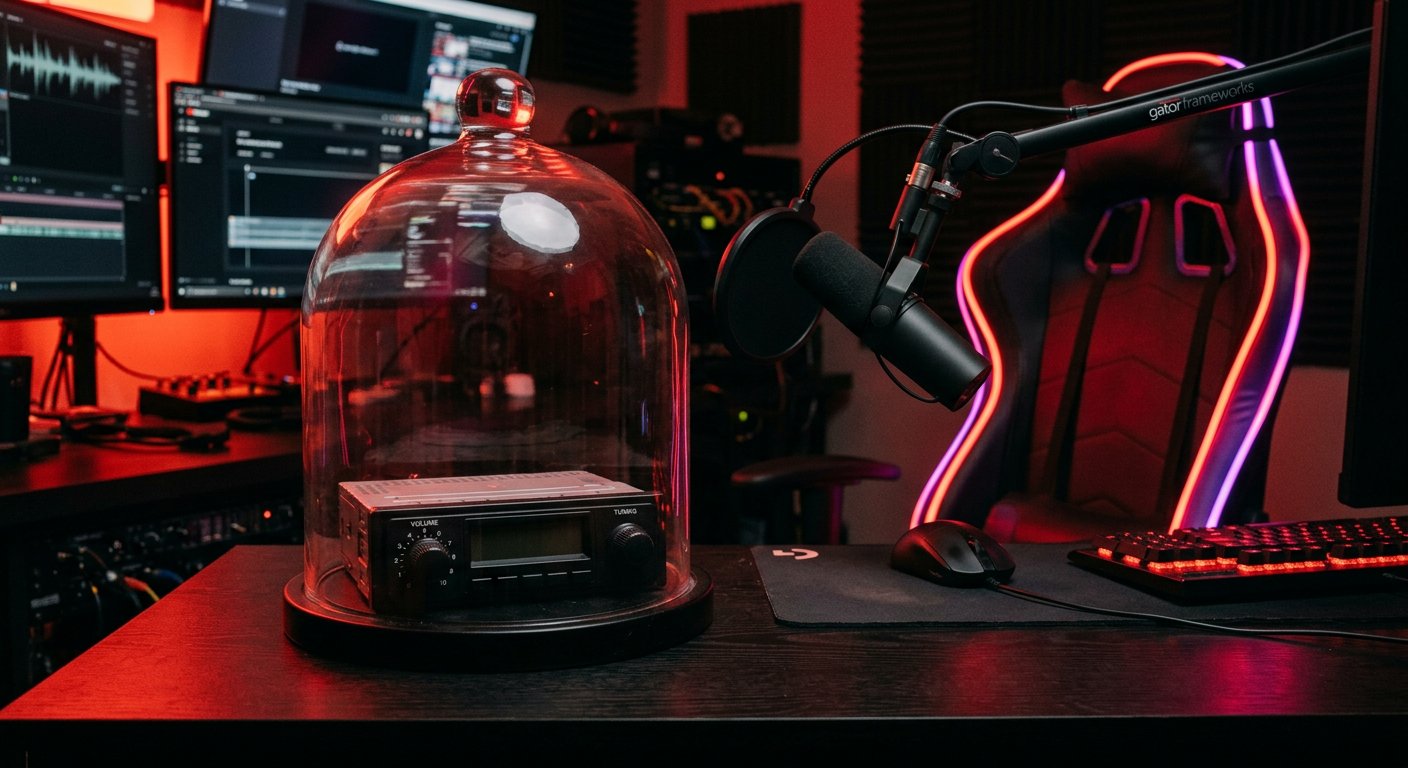
The in-game radio station makes drives more atmospheric, but the music it plays may belong to various rights holders. A track being present in the game does not by itself mean it is permitted to include it in a public broadcast or leave it in a recording.
If you plan to stream GTA 6 with recording saved, turning off licensed music is the more cautious option. Its drawback: the broadcast will lose part of the sound design that viewers tune in for.
What can happen to the broadcast and recording
The reaction depends on the platform, the rights holder, and the specific composition. A recording may be partially muted, blocked, or have its monetization restricted. Measures against a live broadcast are also possible, as are complaints that affect the channel's standing.
The absence of a claim during a broadcast does not guarantee there won't be one later. A check of a saved recording, highlight, or clip may produce a different result than a check of the live broadcast.
Can you leave the radio on
You can leave the radio on if preserving the game audio unchanged matters more and the channel is prepared to accept the risk of claims. But lowering the volume, using a short fragment, or talking over a track does not grant the right to use it and does not guarantee the recognition system will let it through.
Rights can also differ by territory and platform. A composition that caused no visible problems in one broadcast will not necessarily be safe in another recording or highlight.
How to check GTA 6 settings
Before going live, it's worth opening the game's audio settings and checking whether you can separately turn off the radio, the music, or enable a streamer mode. The availability and purpose of such settings should be confirmed in the game itself and in official documentation: option names and contents may change.
After changing settings, it's useful to check the audio in different situations, including when switching vehicles. Turning off the radio does not necessarily remove music from cutscenes, venues, and other in-game scenes.
Will streamer mode help
If the game has a streamer mode, it may limit some of the music that creates a risk of claims. Before using it, read the feature's description: it will tell you which audio sources it affects and what remains in the broadcast.
The drawback of the mode is that it may alter the sound design more than you'd like. On top of that, it does not by itself replace checking the platform's rules and does not guarantee there will be no complaints about the game's entire audio track.
Why check the audio before streaming
A short local recording will help you hear whether music remains after adjusting the settings. It's worth checking not only driving a car but also transitions between scenes, background sounds, and cutscenes. That makes it easier to notice if necessary lines or effects disappeared along with the radio.
The drawback of the test is that it only shows the moments you checked. Even a successful recording does not confirm rights to the music and does not predict the platform's reaction to the entire future broadcast.
Can you remove music only from the recording
On some platforms and in broadcasting software, you can set up a separate audio track for the saved recording. This is useful when the music comes into the program as a separate source: you can leave it in the broadcast but exclude it from the recording track.
The drawback of this approach is that the music remains in the live broadcast, meaning the risk of claims there does not go away. If the game sends all audio as a single stream, you won't be able to separate the radio from dialogue and effects with a single track setting.
What to replace in-game radio with
Instead of the radio, you can play music whose license permits live broadcasts and saving recordings on the relevant platform. It's worth checking the terms for each source: permission to listen or use in a regular video does not necessarily cover streams, clips, and monetization.
A replacement gives you more control over the playlist but requires time to verify rights and may fit the game's atmosphere less well. It's useful to keep proof of the license in case of a disputed claim.
What to do if you get a claim on a recording
First, open the platform's notification and check which fragment is affected and what restriction has been applied. Then you can use the available tools: for example, remove or mute the problematic section if the platform allows it.
Disputing a claim makes sense if you have grounds and supporting rights. Removing a fragment can ruin a conversation or an important gameplay moment, so it's better to check the audio settings before going live.
Last Articles
What has changed in design and functionality We have updated the website to make working with it faster and more convenient. The main changes affect ..
Good afternoon, I've collected all the news during this time.: 1. The main news is that prices for twitch viewers have been greatly reduced, while Tw..
1. Use promo code "December2025" for a 15% discount for all our viewers2. We have reduced the base prices for our configurator and the most affordable..
Twitch services are working stably, so we are ready to cooperate with squads, resellers, service owners, bot owners, and many others.Individual te..
We have completely updated our Twitch viewer services, and they are now working stably. We only use high-quality IP addresses for the viewers.The ..
Hello everyone! Today, we are announcing a new feature—"Twitch Viewer Configurator". Now, you can customize any plan for your Twitch channel. Choo..
Greetings, I have compiled a guide for streamers, which will be very relevant at the moment. Now YouTube and twitch have disabled monetization from vi..
We have finally developed the APINow it will be more convenient for our partner sites to work with us.To update the maximum tariffs for YouTube, an up..
Due to the huge popularity of the partnership services and referral program, we have made a cooperation table. The essence is very simple: more live a..
Our Services for Streamers








Our Services for Content Creators






