
Restarting a Kick Stream: When You Need It and When It Won't Help
Should You Restart a Broadcast Because of Low Viewership
No, if the broadcast is running stably. Low viewership on its own doesn't mean recommendations have failed, and a restart doesn't guarantee new impressions. At the same time, dropping the stream can cost you some viewers and interrupt the conversation in chat.
If you've found a technical problem, a restart is justified after you've fixed its cause. But relaunching in the hope of "getting into recommendations" without any sign of a failure is more self-deception than a working way to get promoted.
When a Restart Is Really Needed
It makes sense to stop the broadcast if the picture freezes, the sound cuts out, the connection keeps dropping, or the stream is unavailable to viewers. First check your streaming software, capture devices, and network: without fixing the cause, the failure may happen again.
If chat and sound are still working, let your audience know you're stopping. The downside of even a necessary restart is that some people won't come back, and the summary of the new session may be stored separately from the previous one.
What to Look at in Creator Dashboard
Open Kick, click your avatar, and go to Creator Dashboard. In the analytics section, find your channel statistics and the summary of the past broadcast. Note the available metrics: views, average and peak viewership, stream duration, and follower growth.
Average viewership helps you compare broadcasts overall, peak shows the highest concurrent viewership, and follower growth reflects how part of the audience responded. Each metric has a limitation: none of them alone explains where viewers came from and why others left.
Are Recommendations Visible in the Dashboard
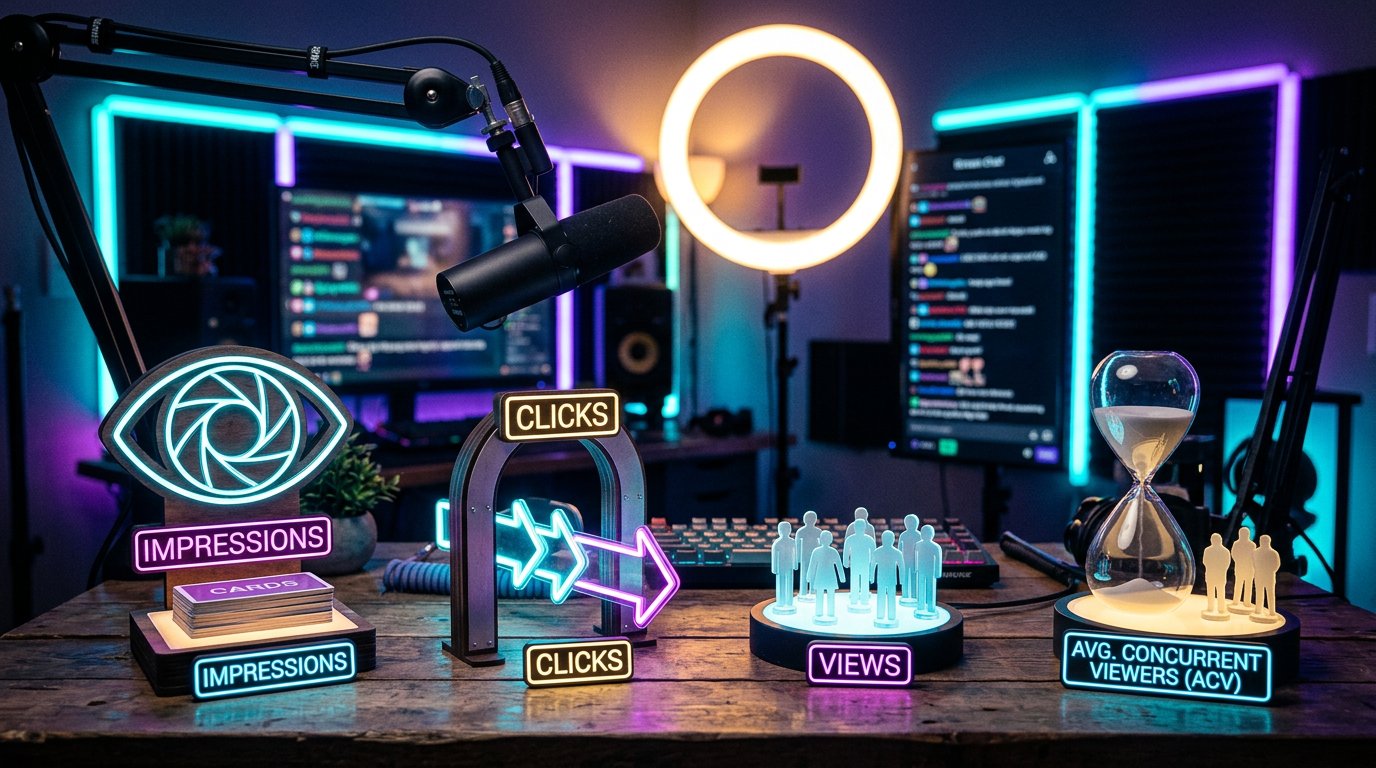
Check whether the available analytics include stream card impressions and a breakdown of traffic by source. This data may not be available in a particular interface or account. A regular summary of views and viewership on its own doesn't show how many viewers came specifically from Kick recommendations.
Viewership is not the same as reach: it can't tell you how many people saw the card and how many clicked on it. The number of views also can't be substituted for impressions to calculate click-through rate.
What Values to Consider Normal
There's no universal norm for average viewership or views on Kick. A workable benchmark is several of your own broadcasts with a similar category, start time, format, and duration. Compare the current stream with those, not with a large channel or a lucky peak.
For example, if average viewership is noticeably lower than usual across several similar broadcasts in a row, that's a reason to check your content and audience sources. One weak start doesn't prove a recommendations problem: the makeup of viewers and competition in the category change.
How to Read Views and Retention
If views are available, compare them with previous similar broadcasts. Fewer views at a usual average viewership may mean that those who came in are watching longer. A usual number of views at low average viewership may indicate shorter viewing or an uneven influx.
These are hints, not an exact retention calculation: viewers may have come in at different times, and broadcast durations may differ. If average view duration is available in the dashboard, compare it separately across comparable broadcasts.
How to Check the Broadcast Through a Viewer's Eyes
Open the channel in a separate browser without logging in. Check whether the player starts, whether the sound is audible, and whether the category matches what's happening. Then find the broadcast in the chosen category. If you can't see it, repeat the check and make sure you've opened the right section.
Position in the category doesn't measure recommendations: the order may vary, and a single page view doesn't show overall reach. But the check does help you spot an unavailable broadcast or a category error before stopping the stream.
How to Account for Announcements and Raids
Match the viewership dynamics with the timing of announcements, posts, and raids. A large influx from another channel can raise average viewership and make the broadcast unlike the others. It's better to mark such streams separately when comparing.
Clicks on links from announcements can be viewed in the social network's statistics or a link tool. The limitation of this measurement: it will miss those who saw the announcement but opened Kick another way. So the remaining viewers can't automatically be counted as coming from recommendations.
What to Fix Without Stopping
Check the title and category: they should quickly explain what's happening on the stream. A mistake in the setup is better fixed during the broadcast. Listen to the sound and assess the start of the stream: a long pause or action that doesn't match the title can hurt retention.
Edits without a restart have their limitation too: the result of a single title change is hard to separate from the influence of content, chat activity, and external traffic. Note the time of the change so you can later match it with viewership dynamics.
How to Test the Restart Hypothesis
If you want to test the effect of restarting on your channel, compare broadcasts with and without it. To start, you can take five streams of each type and alternate the options. This is a small experiment, not proof of how the algorithm works.
Keep the schedule, category, format, duration, and announcement method similar. Mark broadcasts with a failure, a raid, or a notable external mention separately. The limitation of the test is that planned interruptions can scare off your audience, so it's not suitable for an important joint stream for them.
How to Measure the Comparison Result
Set the stopping point and an equal observation window after it in advance. For a broadcast without a restart, take the same segment relative to the start. Record the average viewership over the window and the number of viewers immediately before the stop and after the broadcast returns.
If the dashboard doesn't have average viewership for a separate segment, record the number of viewers at equal intervals and calculate the average from your notes. The measurement is approximate: it will miss spikes between checks. Views from two sessions can't simply be added together and counted as the number of unique people.
How to Assess the Difference Between Broadcasts
Compare not only the average values of the two groups but also individual streams. A difference created by one lucky broadcast is unreliable. With low viewership, even a few viewers greatly change the percentage, so a universal success threshold doesn't fit here.
Account for losses after an interruption: subsequent growth may only bring back part of the former audience. Even steady viewership growth after a restart doesn't prove an increase in recommendations without data on impressions and traffic sources.
Checklist for a Weak Start
- Check the broadcast without logging in: player, sound, image, and whether the category is correct.
- If there's a mistake in the title or category, fix it without stopping.
- If there's a technical failure, find and fix the cause; if a restart is necessary, warn the chat.
- After the broadcast, save the available views, average and peak viewership, duration, and follower growth.
- Note the timing of announcements, raids, technical problems, and setup changes. Compare the data with similar broadcasts, not with a single record-breaking session.
Last Articles
What has changed in design and functionality We have updated the website to make working with it faster and more convenient. The main changes affect ..
Good afternoon, I've collected all the news during this time.: 1. The main news is that prices for twitch viewers have been greatly reduced, while Tw..
1. Use promo code "December2025" for a 15% discount for all our viewers2. We have reduced the base prices for our configurator and the most affordable..
Twitch services are working stably, so we are ready to cooperate with squads, resellers, service owners, bot owners, and many others.Individual te..
We have completely updated our Twitch viewer services, and they are now working stably. We only use high-quality IP addresses for the viewers.The ..
Hello everyone! Today, we are announcing a new feature—"Twitch Viewer Configurator". Now, you can customize any plan for your Twitch channel. Choo..
Greetings, I have compiled a guide for streamers, which will be very relevant at the moment. Now YouTube and twitch have disabled monetization from vi..
We have finally developed the APINow it will be more convenient for our partner sites to work with us.To update the maximum tariffs for YouTube, an up..
Due to the huge popularity of the partnership services and referral program, we have made a cooperation table. The essence is very simple: more live a..
Our Services for Streamers








Our Services for Content Creators






