
Resetting your Twitch stream key without losing your settings
What to do if your Twitch stream key has become available to others
A stream key is a secret code that links your broadcasting software to your Twitch channel. Anyone who has this code can try to start a broadcast on behalf of the channel. They don't need to know your account password to do it.
If the key has appeared in a chat, a public post, a screenshot, a video, a configuration file, or a program log, consider it compromised. Deleting the message or file doesn't make the key safe again: it could have been copied beforehand.
The first step is to reset the old key in Twitch and never use it again. After that, you need to replace the new code in all the programs and devices you stream from. If the key was the only sign of a leak, you don't need to change your channel customization or create the channel again.
It's important to distinguish a key leak from an account hack. The key allows someone to connect to your broadcast, but by itself it doesn't give access to your password, private messages, or profile settings. If you've noticed unknown logins or changes to your account, follow the extended protection plan described below.
Where to find the stream key reset in Twitch
Log in to the exact Twitch account that the channel is linked to. Then open the creator dashboard. In the interface, look for the path "Settings" → "Channel" → "Stream Key." In some versions of the site, this section may be called "Settings" → "Stream," and the code itself may be called "Primary Stream Key."
Don't confuse this section with password, profile, or moderation settings. The block you need relates to connecting your broadcasting software. It usually displays buttons to show, copy, and reset the key. If the code is hidden, Twitch may ask you to confirm your identity again.
Before clicking, check the channel name in the dashboard. This is especially important if you have multiple profiles open in your browser or if you've recently switched between accounts. You need to reset the key for the channel you plan to stream from.
If you can't find the item you need, use the search within the dashboard or open the settings through the Twitch web version. Element names may change when you switch languages or when the interface is updated, but the section with the primary stream key is your reference point.
How to reset the old key and create a new one
Open the block with the primary stream key and click "Reset" or a similar button next to it. Confirm the action if Twitch shows a warning. After that, the service will generate a new code, and the old key should no longer be considered valid or safe.
Copy the new key only after the reset is complete. Don't paste it into a chat, an email, a support request, a public note, or a message for verification. If you need to give a helper access, use the provided roles and permissions rather than the stream key itself.
It's best to perform the reset before you start your broadcast. If an unknown stream is already running on the channel, replacing the key shouldn't be your only measure: stop the broadcast using whatever method is available in the dashboard and immediately check your account security. An already established connection may need to be ended separately.
After the reset, don't leave the old key in working instructions, screenshots, cloud documents, or the settings of a backup computer. If you later discover another copy of the old code, resetting again is a reasonable measure, especially when you don't know who might have had access to it.
How to replace the key in OBS and other software
In OBS, open "Settings" and go to the stream section. Select Twitch if the program offers a service choice, then find the field with the key. Delete the old value, paste the new code, and save the settings. Don't add spaces, quotation marks, line breaks, or explanatory text to the key.
If OBS is connected to Twitch through account authorization, there may not be a separate stream key field. In this mode, the program uses the linked connection. Check which account is specified in OBS, and if necessary, disconnect the old authorization and log in again through Twitch.
In other broadcasting software, the relevant item may be called Stream Key, Stream Key, Broadcast Key, or it may be located in the server settings. The principle remains the same: replace the saved code with the new one and make sure the correct channel is selected. If you stream from multiple computers, update the key on each of them.
OBS scenes, sources, transitions, images, microphone filters, hotkeys, and profiles are stored separately from the stream key. Don't delete them while addressing the leak. If the program keeps a backup copy of the configuration or syncs it to another device, check whether the old code is still saved there.
After replacing the key, run a quick connection test. Before going live, make sure the dashboard, the key, personal notifications, and configuration windows aren't visible on screen. If the connection fails, first check the selected account and whether the old key is still present in another profile in the program.
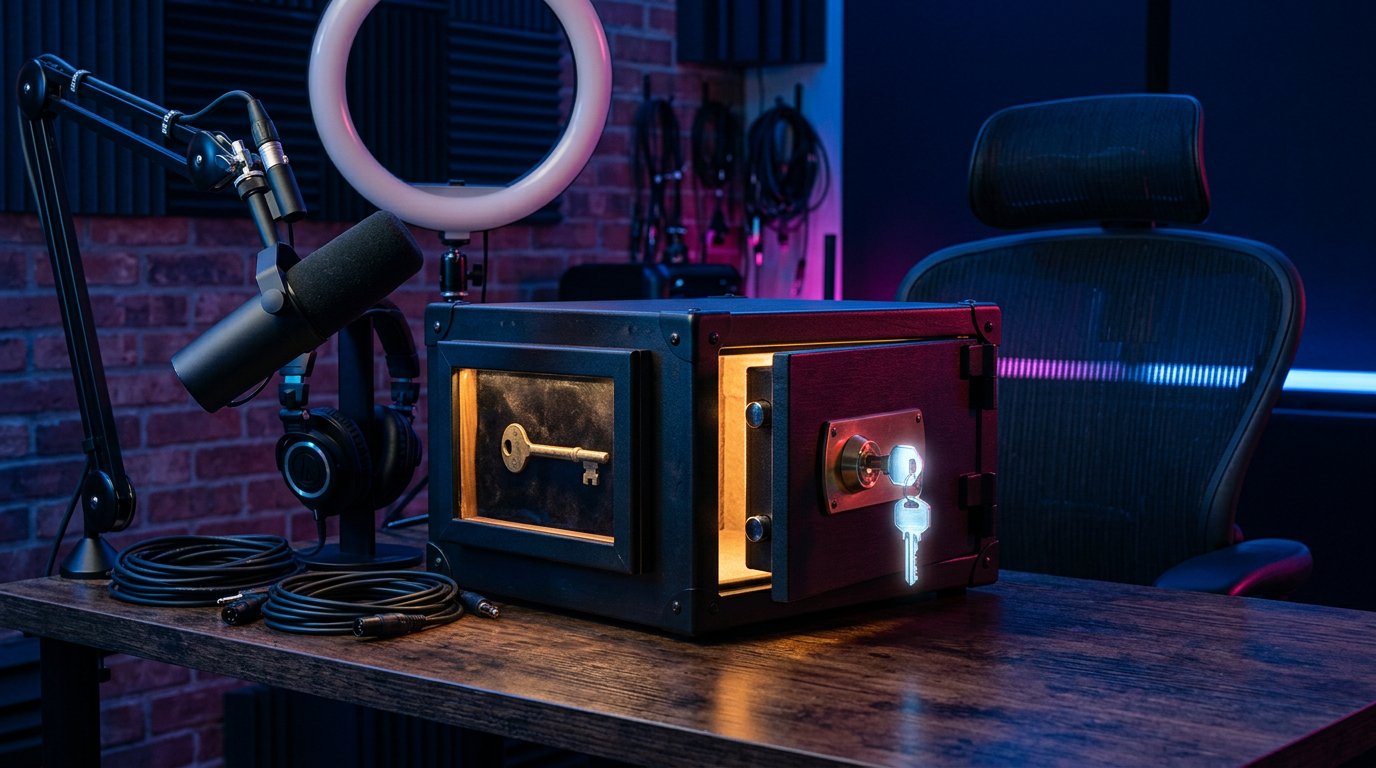
What may need a separate check after the reset
Resetting the key doesn't require reconfiguring the channel, but some connections work independently of Twitch and may store their own access data. This applies to broadcasting software, remote computers, bots, dashboards, and other tools you've manually given the key to.
If your broadcast starts with the wrong title, category, or language after the replacement, check those parameters separately. They aren't part of the stream key and may have been set in the program itself, in the creator dashboard, or through another connection.
Also check the list of active streams, moderator permissions, and login notifications. Don't change settings at random: first note exactly what looks unfamiliar. This will help you distinguish an ordinary program error from someone else's actions.
If the old key was used in a third-party service, replace it there only through that service's official interface. Don't send the new code to staff, moderators, or the authors of instructions in private messages if another method of authorization is sufficient for their work.
What to check if the leak may have been part of a hack
If, in addition to the key leak, there have been unknown logins, changes to profile data, someone else's streams have started, or you've received notifications about actions you didn't take, treat the situation as a possible account hack. Don't limit yourself to resetting the key again: an attacker could have obtained your password, session data, or access to a connected application.
First, change your Twitch password. Do this from a device you trust and use a new password that isn't reused on email, social media, or other services. Don't save it in an unsecured file and don't send it to others. If you have doubts about your computer's security, check it first or use another device.
Then open your account security settings and end any unknown sessions. Check the list of devices and login notifications if Twitch shows such information. An unfamiliar location doesn't always mean a hack: it could be due to a mobile network or VPN, so compare it with the time and your own actions.
Review your connected applications and remove any you don't use, don't recognize, or no longer trust. Separately check broadcasting programs, bots, statistics services, and tools that have ever been granted access to Twitch. After revoking permission, you can reconnect the necessary apps through the official authorization screen.
Enable two-factor authentication for Twitch. It adds an extra check at login and reduces the risk of repeated access with just a password. Store backup codes in a place inaccessible to others, and don't share verification codes in chats or private messages.
Also protect the email account linked to Twitch. If someone has gained access to your email, they may try to reset your password or intercept notifications. Change your email password, enable two-factor authentication on it, and check the message forwarding rules and unknown sessions.
After securing your account, reset the stream key again if it could have fallen into an attacker's hands during the hack. Then update the key in OBS and other trusted programs. Scan your computer with antivirus software, remove suspicious browser extensions, and don't run unknown files with configurations or scripts.
If you can't log in to your Twitch account
When your password, email, or two-factor authentication code has already been changed without your consent, use account recovery through the official Twitch website. Don't turn to people who promise to "get your channel back" for a payment or who ask you to send your password and full stream key.
If someone else's stream is running on the channel, mention this in your support request and include only the necessary information: the channel name, a description of the problem, the time you discovered it, and notifications about suspicious activity. Don't include the full new key, password, or backup codes in the request unless the official form explicitly requires it.
After regaining access, check your password, sessions, connected applications, two-factor authentication, and stream key again. Restoring your login doesn't eliminate the need to replace a code that may already have been copied.
In short: what to do, step by step
- Consider the key compromised if it has become publicly available, even without someone else's stream.
- Open the Twitch creator dashboard and go to "Settings" → "Channel" → "Stream Key."
- Click "Reset" next to the primary key and confirm the action.
- Replace the old code in OBS and other programs you stream from.
- Check the connection, account, channel, and test stream parameters.
- If there are signs of a hack, change your password, end unknown sessions, check connected applications, and enable two-factor authentication.
- After securing your computer and account, change the key again if it could have leaked during the hack.
Last Articles
What has changed in design and functionality We have updated the website to make working with it faster and more convenient. The main changes affect ..
Good afternoon, I've collected all the news during this time.: 1. The main news is that prices for twitch viewers have been greatly reduced, while Tw..
1. Use promo code "December2025" for a 15% discount for all our viewers2. We have reduced the base prices for our configurator and the most affordable..
Twitch services are working stably, so we are ready to cooperate with squads, resellers, service owners, bot owners, and many others.Individual te..
We have completely updated our Twitch viewer services, and they are now working stably. We only use high-quality IP addresses for the viewers.The ..
Hello everyone! Today, we are announcing a new feature—"Twitch Viewer Configurator". Now, you can customize any plan for your Twitch channel. Choo..
Greetings, I have compiled a guide for streamers, which will be very relevant at the moment. Now YouTube and twitch have disabled monetization from vi..
We have finally developed the APINow it will be more convenient for our partner sites to work with us.To update the maximum tariffs for YouTube, an up..
Due to the huge popularity of the partnership services and referral program, we have made a cooperation table. The essence is very simple: more live a..
Our Services for Streamers








Our Services for Content Creators






