
How to chat with viewers on a delayed League of Legends stream
How delay changes the conversation with viewers
Delay protects against stream sniping: viewers don't see your route, wards, objective setup, and team position in real time. For ranked games, this is often more important than instant reaction to chat. But the conversation stops being synchronous: a viewer sees an episode, writes a message, and you read it when the game has already moved on.
With a gap of around 30 seconds, chat can still discuss a recent fight. At one minute, it's better to rely on topics that don't go stale within a single wave. At two minutes or more, the broadcast should be built as a game with regular windows for review rather than as constant back-and-forth. The actual delay depends on the broadcast buffer, platform mode, network, and the viewer's device.
Explain the chat rules and response time right away
State the delay in the description, a pinned message, or a bot command. There's no need to apologize for it all stream. It's enough for the viewer to understand that chat is read between in-game actions, and that tips about the current map will arrive too late or be out of place.
A simple phrasing works for the pin: "The stream is delayed. I read chat after base, fights, and in the lobby. Don't write real-time enemy positions — we discuss decisions, picks, and mistakes." This immediately sets a safe communication format. The downside of frequent repetition is that it starts to sound like an excuse and annoys regular viewers.
Which Twitch setting affects delay
On Twitch, check the latency mode in the creator dashboard, in the stream settings. The platform usually offers a low-latency mode and standard stream delivery. Low latency shortens the time between what happens on your screen and what the viewer receives. Standard mode makes this gap larger.
For League of Legends, low latency works if a protective buffer is already set in your broadcasting software and you don't want to stretch the chat conversation more than necessary. Standard mode can give extra protection against stream sniping, but it doesn't let you precisely control the final gap. Its downside is that viewers will wait longer for a reaction than the value set in the encoder suggests.
Twitch mode controls stream delivery; it doesn't replace protective delay. If you need a specific pause before the video is sent to the platform, set it in your broadcasting software or another encoder you use. The Twitch interface may change, so before going live, check which delivery mode is selected for your channel.
Don't try to set up protection using only Twitch
Switching Twitch from low latency to standard doesn't create a controllable buffer with a known duration. The platform affects video processing and delivery, and the actual gap can differ between viewers. For a ranked stream, this is a weak substitute for a dedicated stream delay.
If you use OBS Studio or another encoder, set the main protective pause there. Then choose the appropriate delivery mode on Twitch: low if you want to keep chat more lively, or standard if the extra gap matters more than response speed. The downside of this setup is that the final delay can't be determined from a single number in the encoder settings.
Don't stack delays from multiple sources
Check whether there's a buffer in your broadcasting software, relay service, and platform settings all at once. For example, a protective delay in the encoder combined with Twitch's standard delivery mode can make the stream noticeably slower than you planned. To a viewer, this looks less like match protection and more like no reaction to messages.
Choose one main source of controlled delay and don't add a second without testing. If you stream through a third-party service, look specifically for a stream delay feature, not audio delay, replay delay, or recording delay. These settings serve different purposes and don't hide the match from real-time viewing.
The value in the setting doesn't equal response time in chat. Twitch processes the stream, and the viewer's browser, app, and connection add their own buffer. That's why even a pre-tested gap can change during the stream.
Test the gap before a ranked game
Start a test or private broadcast. Show a stopwatch on screen, say a distinctive phrase, and open the channel on another device. Compare the time on your game screen with the time on the viewer's device. This shows you the full gap: from the action in League of Legends to the picture on Twitch.
Test chat separately. Write from a test account, wait for the message to appear on your end, and note the time. Video delay and chat speed don't have to match: a viewer may see your question later, and their reply may arrive faster or slower due to connection and platform load.
The test doesn't always replicate evening load, network drops, and quality changes for viewers. But it helps you choose the stream's rhythm before a ranked session begins. The downside of the test is that you'll have to repeat it after changing settings or your broadcasting method.
Comment on decisions instead of waiting for new messages
The main way to keep the stream from turning into silence is to not make your speech dependent on chat. While viewers are still watching the previous moment, talk through your plan: why you're not pushing the lane, why you're saving teleport, why you're skipping dragon, what threat you see on the map.
You don't need to break down every auto-attack. Short phrases are enough: "the wave is awkward, so I'm not going to river," "the jungler hasn't shown, I'm playing from my side," "after the purchase I'll try to pressure the side lane," "right now it's more important to take tempo than to finish the plate." Commenting on a decision fills the pause better than waiting for a reply.
If you explain absolutely everything, your speech becomes monotonous and starts to hurt concentration. Leave silence for mechanical actions, trades, and fights. Explanations are easier to give before a decision, after it, or during a calm part of the lane.
Use in-game windows to read messages
Don't try to answer every remark during a trade, gank, or teamfight. With delay, you're not reading the freshest chat anyway, and attention to the screen matters more. Pick recurring moments when you can safely look at the accumulated questions.
- During loading, state your matchup plan and invite discussion of runes, bans, or win conditions.
- After base, read a few short questions and reactions.
- After a death, review the mistake once the episode is over.
- On the way to lane, return to one message rather than the whole feed.
- In the lobby, gather suggestions for the champion, role, or goal of the next game.
Announce the transition: "I'll finish reading after this wave," "I'll get back to build questions in the lobby," "we'll review the last fight after base." Quick jokes and short remarks will get lost at this pace. This is a direct downside of delay that no timer or bot can fix.
Ask questions that won't go stale within a minute
Questions like "should I leave now?" or "what should I buy right this moment?" are useless even with a small delay. The answer arrives after the decision and creates confusion. Instead, offer topics with a long shelf life: the next champion, a contested ban, an opinion on the matchup, win conditions, a choice between two builds.
The working formula is simple: name the topic, state your opinion, and give chat time. For example: "After the match I want to discuss whether I should have played through bot here or reinforced top. Write how you see this matchup." While messages come in, keep commenting on the game instead of waiting in silence for a reply.
Some viewers will write after you've already changed the topic or finished the match. Don't cut them off with "too late": briefly return to the thought in the lobby or move the discussion to the next loading screen. The downside of this approach is that the discussion feels less spontaneous than on a stream without a buffer.
Respond to the overall conversation, not to an archive of messages
When you open chat after a pause, don't read out everything that piled up in order. Find a recurring thought and respond to it: "I see many of you writing about the early roam," "chat is arguing about the second item," "several people are asking why I didn't go for the objective." This way viewers see that the conversation was noticed, even if their message wasn't read out word for word.
If you're replying to a specific person, briefly repeat the question out loud. Others may not have seen their remark or may already be watching a different moment of the game. A personal reaction is nice, but trying to reply to everyone individually with a one-minute delay quickly turns chat into a list of unread messages.
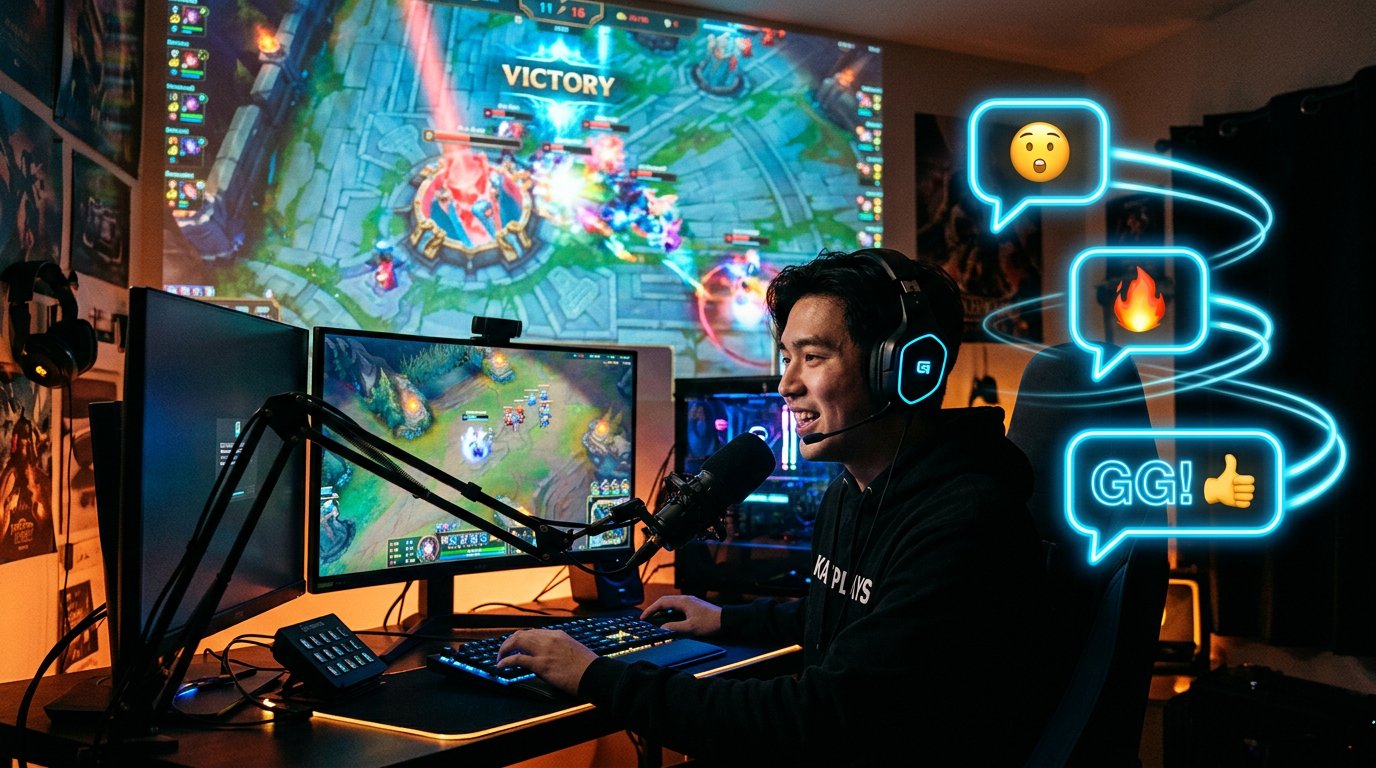
Separate in-game tips from discussion topics
Messages like "the enemy is going to baron," "you have a ward in river," or "the jungler is top right now" refer to a picture the viewer saw earlier. Don't use such hints: they're no longer relevant and can look like receiving outside information about the match. It's best to state the rule once along with the delay information.
Leave chat safe directions: reviewing a fight after it ends, evaluating a pick, builds, macro decisions, lane mistakes, plans for the next match. Chat can argue about whether an objective should have been given up, but it shouldn't become an extra minimap.
After banning real-time tips, some viewers write less if you don't offer them a replacement. So in the pin and out loud, name specific topics: "after the game I'm gathering opinions on the build," "in the lobby we're picking a champion," "after this match we'll review the first fight."
Prepare topics for a quiet chat
Even an active audience sometimes goes quiet: viewers are watching the match, waiting for an episode to end, or simply don't want to interrupt. With delay, this is more noticeable because time passes between your phrase and the reply. Don't ask for activity every few minutes — prepare a few topics you can expand on without a reaction.
- Briefly state your plan for the current game.
- Name a decision you're unsure about.
- Explain what data influenced the choice.
- Invite discussion of the episode after the match.
- Return to the topic once messages have had time to arrive.
Recent mistakes, changes in your champion pool, role choice, approach to ranking, or the difference between two builds all work. Used too much, prepared talking points turn the stream into a lecture. Leave room for emotions, short reactions, and changing plans as the game goes on.
Set up a bot and timers without spam
A bot can occasionally remind viewers about the delay, the rules against stream sniping, and when you usually read chat. A timer is useful for you too: a separate notification between matches helps you remember to open accumulated questions, announce a topic, or start a vote.
Don't expect the bot to sync a message with the picture for a specific viewer. The actual delay differs between viewers. Use auto-messages as general guides: "I collect match questions until the end of the game and answer in the lobby" or "No real-time positions — we discuss completed episodes."
Frequent auto-messages look impersonal and clutter chat, especially with a small audience. One pin and an occasional reminder after several matches is enough. A timed message every few minutes won't sustain a conversation — it will just take up space in the feed.
Choose the stream format to match the delay length
With a gap of up to 30 seconds, you can maintain a relatively lively conversation, but you still shouldn't take map advice. At around a minute, alternating works well: comment on the game, ask chat a question, read replies after a safe window. At two minutes or more, it's better to state the format in advance: "I play — I collect questions — I review after the match."
A long delay doesn't automatically make a stream boring. The viewer gets clear commentary during the game and a more collected review later, when you're not distracted by the lane or a fight. Quick personal contact will still be weaker than on a stream without a buffer. A bot and frequent questions won't replace it: you need a clear rhythm, regular points of interaction, and speech that doesn't depend on immediate chat reactions.
Last Articles
What has changed in design and functionality We have updated the website to make working with it faster and more convenient. The main changes affect ..
Good afternoon, I've collected all the news during this time.: 1. The main news is that prices for twitch viewers have been greatly reduced, while Tw..
1. Use promo code "December2025" for a 15% discount for all our viewers2. We have reduced the base prices for our configurator and the most affordable..
Twitch services are working stably, so we are ready to cooperate with squads, resellers, service owners, bot owners, and many others.Individual te..
We have completely updated our Twitch viewer services, and they are now working stably. We only use high-quality IP addresses for the viewers.The ..
Hello everyone! Today, we are announcing a new feature—"Twitch Viewer Configurator". Now, you can customize any plan for your Twitch channel. Choo..
Greetings, I have compiled a guide for streamers, which will be very relevant at the moment. Now YouTube and twitch have disabled monetization from vi..
We have finally developed the APINow it will be more convenient for our partner sites to work with us.To update the maximum tariffs for YouTube, an up..
Due to the huge popularity of the partnership services and referral program, we have made a cooperation table. The essence is very simple: more live a..
Our Services for Streamers








Our Services for Content Creators






