
Twitch Prime and Prime Gaming: Perks for Viewers
Twitch Prime: What It Is
Twitch Prime is the former name of the Prime Gaming service. Today it's a set of perks for Amazon Prime users, linked to a Twitch account. There's no separate Twitch Prime plan under the current name: if you search for this feature, you'll land on the Prime Gaming page.
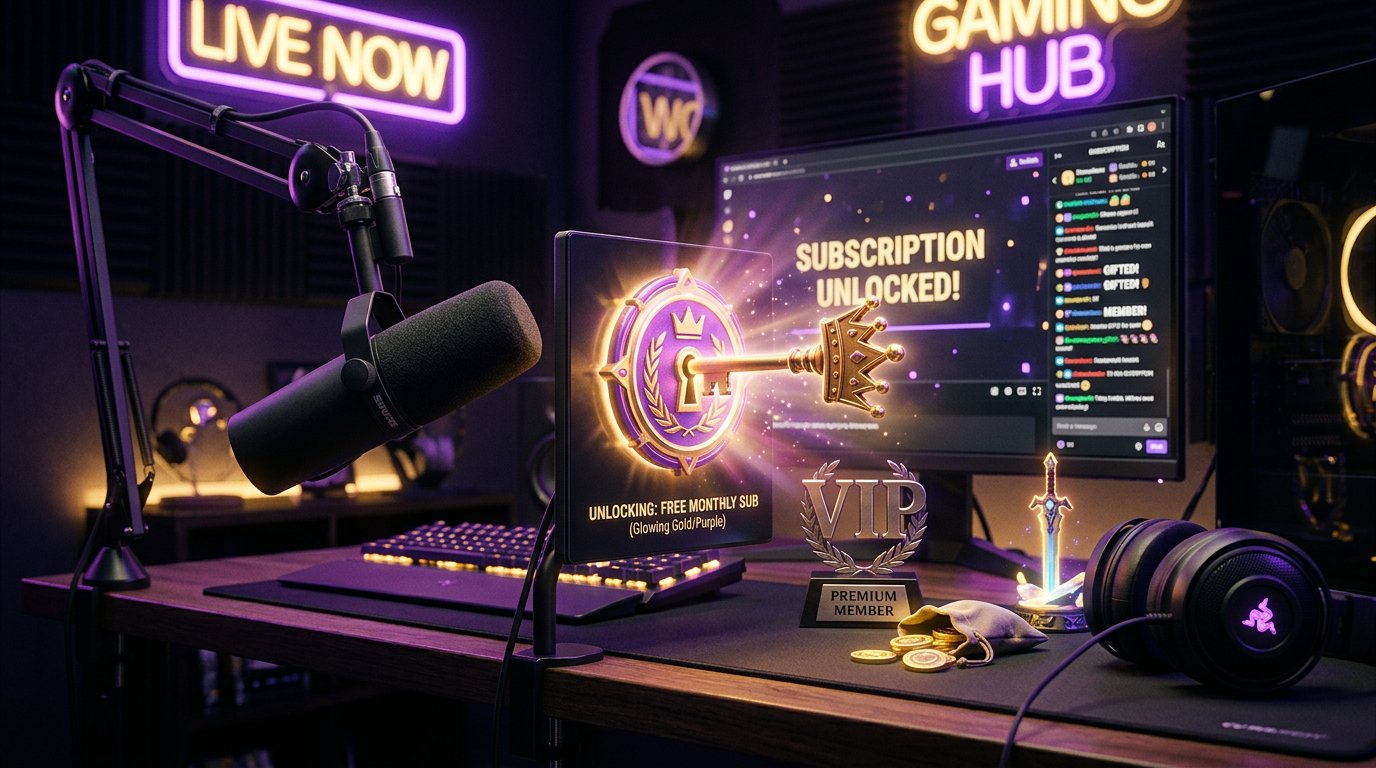
The main perk for a viewer is one free subscription to a chosen Twitch channel every month. On top of that, Prime Gaming can provide access to games, in-game items, bonuses, and additional Twitch features. The exact set depends on the country, Amazon's terms, and the availability of a specific promotion.
What's Included in Prime Gaming
Prime Gaming doesn't unlock all paid Twitch features and doesn't make a user a channel owner. It's an add-on package that works when you have a qualifying Amazon Prime subscription or an available trial period.
- A free subscription to one Twitch channel once a month.
- Games and extra content for selected titles.
- Bonus features, badges, and other offers, the lineup of which can change.
Prime Gaming shouldn't be confused with Twitch Turbo. Prime Gaming is tied to Amazon and gives a free sub to a channel, while Turbo is a separate Twitch subscription with different terms. A free Prime Gaming subscription also doesn't remove ads from all streams.
How the Free Twitch Sub Works
A Prime Gaming sub lets you support one creator without paying separately for a Twitch subscription at checkout. You pick a channel where paid subscriptions are available, open the Subscribe menu, and activate the Prime Gaming option.
The subscription lasts for one period. There's usually no automatic renewal for the same channel, so you'll need to select it manually the following month. If you don't use the available sub, it doesn't carry over and doesn't accumulate for future months.
For a streamer, this subscription shows up in the Twitch system as viewer support. The amount and payout process for the creator depend on Twitch's rules, the region, and the channel's terms. Prime Gaming doesn't guarantee audience growth, but it gives viewers an extra way to support a stream they enjoy.
How to Set Up Twitch Prime
First, check whether Prime Gaming is available in your region and whether your Amazon Prime subscription is active. Then link your Amazon and Twitch accounts on the Prime Gaming page.
- Log in to your Amazon account with an active Prime or available trial period.
- Open the Prime Gaming page and select the option to connect your Twitch account.
- Log in to Twitch and confirm the link between the two accounts.
- Go to the channel you want, click Subscribe, and choose the Prime Gaming subscription.
If the free subscription button doesn't appear, check the selected Twitch account, your region, and your Amazon Prime status. Sometimes the feature is only available in the browser version of Twitch, so it's worth opening the site on a computer.
What's Important to Know About Twitch Prime
- The name Twitch Prime is outdated: Amazon's interface uses Prime Gaming.
- In most cases, the free subscription is available once a month and doesn't renew automatically.
- The availability of games, bonuses, and Prime Gaming itself depends on the country and Amazon's terms.
- Once a qualifying Amazon subscription ends, Prime Gaming perks may become unavailable.
If you run a channel, tell your viewers about the option to use Prime Gaming, but don't promise them guaranteed results from a subscription. For promotion, what matters more is regular streams, a clear theme, and working with your audience.
Quick Takeaways
- Look for Twitch Prime under its new name, Prime Gaming.
- Check your Amazon Prime subscription and the service's availability in your region.
- Link your Amazon and Twitch accounts.
- Once a month, manually choose a channel for your free sub.
Last Articles
What has changed in design and functionality We have updated the website to make working with it faster and more convenient. The main changes affect ..
Good afternoon, I've collected all the news during this time.: 1. The main news is that prices for twitch viewers have been greatly reduced, while Tw..
1. Use promo code "December2025" for a 15% discount for all our viewers2. We have reduced the base prices for our configurator and the most affordable..
Twitch services are working stably, so we are ready to cooperate with squads, resellers, service owners, bot owners, and many others.Individual te..
We have completely updated our Twitch viewer services, and they are now working stably. We only use high-quality IP addresses for the viewers.The ..
Hello everyone! Today, we are announcing a new feature—"Twitch Viewer Configurator". Now, you can customize any plan for your Twitch channel. Choo..
Greetings, I have compiled a guide for streamers, which will be very relevant at the moment. Now YouTube and twitch have disabled monetization from vi..
We have finally developed the APINow it will be more convenient for our partner sites to work with us.To update the maximum tariffs for YouTube, an up..
Due to the huge popularity of the partnership services and referral program, we have made a cooperation table. The essence is very simple: more live a..
Our Services for Streamers








Our Services for Content Creators






