
VK community wiki page instead of a standard description
What changes when you move from a description to a wiki page
The standard community description is designed for a brief introduction. It lets you explain what you do, who the group is for, and where to find the main content. This block works for a simple community but quickly becomes too cramped if your project has several areas.
A wiki page lets you gather extended information in a separate section. You can place your stream schedule, chat rules, links to platforms, answers to frequently asked questions, a list of content categories, and instructions for new subscribers. Materials can be split into blocks so visitors don't have to search for everything in one long text.
That said, a wiki page is not a complete replacement for the description. A person may see the name and brief information about the community but never open the additional page. So it's best to keep the basic description and use the wiki as a detailed navigation hub.
What tasks a wiki page solves
The main value of this format is the ability to build a clear path for a new member. Instead of several pinned messages and repetitive answers, you create a single page with the sections you need. You can place a link to it in the description, posts, or community messages.
- Explain the project's topic without an overloaded description block.
- Gather the schedule, rules, and contacts in one place.
- Separate materials for viewers, team members, and advertisers.
- Add navigation for content categories, archives, and important posts.
- Explain to newcomers how to watch streams, ask questions, and use the chat.
For a streamer, it's especially useful to separate information about live streams, episode recordings, communication rules, and additional platforms. If the community is dedicated to a brand, project, or themed group, the page can separately describe services, collaboration formats, and how to get in touch.
When the standard description is enough
Switching isn't mandatory just because a wiki page looks more detailed. If a community has little permanent information, a short description may work better. Visitors immediately understand the group's topic and don't make an extra click.
- The community has one clear purpose.
- The schedule and rules rarely change.
- The group has few permanent sections and links.
- Main communication happens through posts or messages.
- There are few new members, and questions rarely repeat.
A short description is also convenient for promotion: it lets you quickly state the benefit of subscribing and give one key link. If you replace it with a long list of rules, visitors will find it harder to understand why they should join the community. It's better to move the details to a separate page and leave a clear invitation in the description to go there.
What to put on a wiki page
Start not with the design but with a list of questions your audience asks most often. The page should help visitors take a specific action: understand the community's topic, find the right post, join a stream, or contact the project owner.
- Briefly explain what the community is about and who it's for.
- Add the current schedule and indicate where changes appear.
- Describe the communication rules in plain language, without long wording.
- Gather links to the main sections, streams, recordings, and other platforms.
- Include answers to questions subscribers ask regularly.
- At the end, add a clear action: subscribe, open the schedule, or message the admin.
You shouldn't move your entire post archive onto the page. A large volume without structure turns the wiki into just another feed. Keep the materials that help with orientation rather than duplicating every community post.
How to make navigation clear
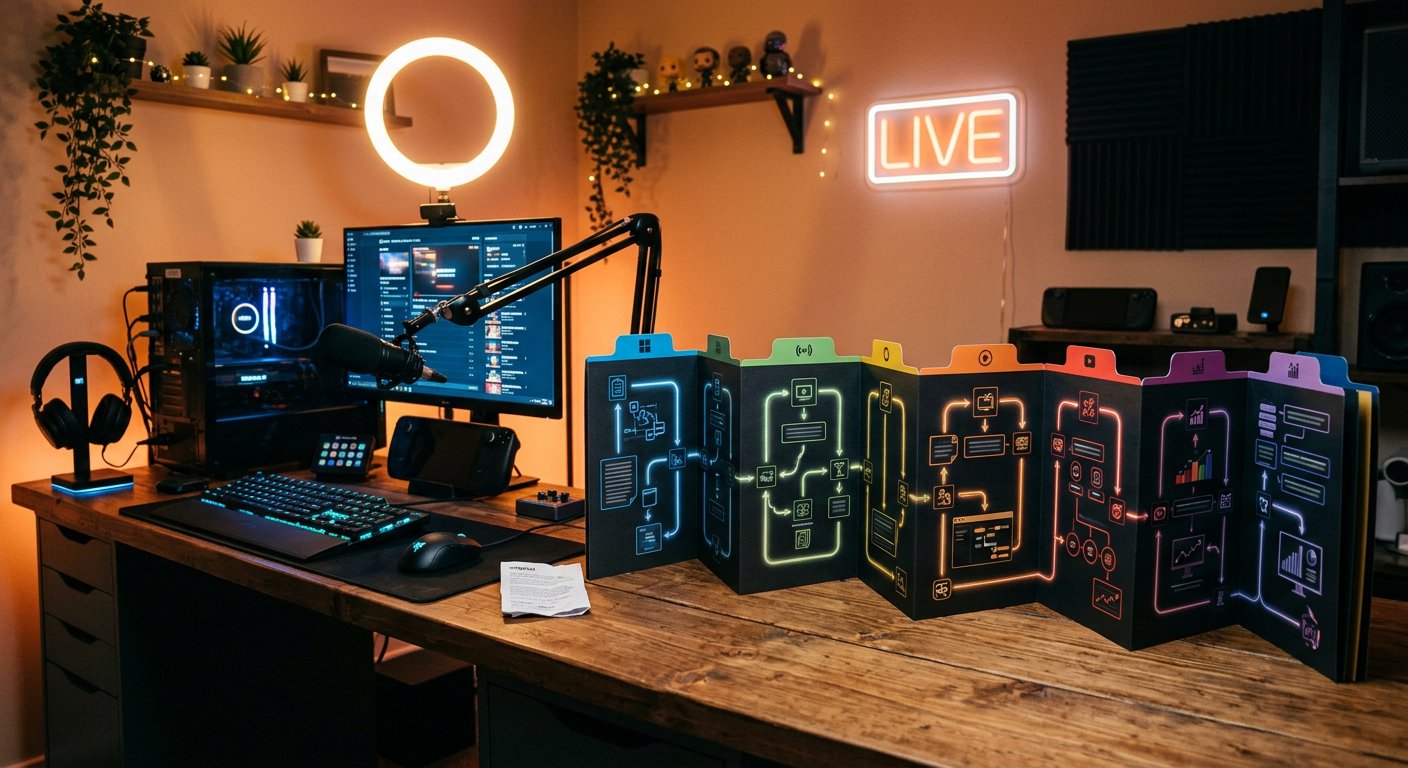
The page should have visible logic: general information first, then the main sections, followed by additional materials. It's best to make item names specific. "Useful" says less than "Schedule," "Chat rules," or "Stream recordings."
- Start with a short block about the community.
- Place the most in-demand links above secondary ones.
- Break up the text with headings and short paragraphs.
- Don't hide important information in long lists without explanations.
- Check that links lead to the right materials, not outdated pages.
If there are many sections, create a main wiki page and link it to individual materials. For example, the schedule can be separate from the rules, and the answers to questions separate from the archive. This structure will make updating easier: you won't have to edit one overloaded document.
Limitations and risks of this format
A wiki page requires maintenance. Schedules change, links stop working, rules get updated, and old instructions lose their meaning. If you create a page and don't return to it for months, it will start misleading visitors.
There's also the risk of an unnecessary click. Some of the audience won't open an additional page, especially if the description doesn't explain why they should. That's why the name and short teaser should immediately show the benefit: for example, where to find the schedule, rules, or a full list of links.
Also consider how it displays on different devices. Large tables, complex navigation, and long paragraphs can be inconvenient on a small screen. After publishing, check the page in at least the scenarios your audience uses. If different tools are available for creating and editing, choose the simplest option that preserves the structure and links.
How to switch without losing information
You don't need to change the description in one move. First prepare the page and check its content, then gradually move navigation to the new format. That way subscribers keep their usual way of finding key information.
- Make a list of the information already in the description, pinned posts, and admin answers.
- Remove duplicates and outdated information, and distribute current materials across sections.
- Create the wiki page and check the links, headings, and order of blocks.
- Leave a brief introduction to the community and a link to detailed information in the standard description.
- Let subscribers know about the navigation change in a post or pinned message.
- After a while, see which sections require extra explanation and simplify them.
If the page isn't ready yet, don't delete the old description. First prepare a working version, open it to a few team members, and fix any unclear points. Only after that should you change the main navigation path.
Who really benefits from switching to a wiki
A wiki page is justified when a community regularly receives new visitors, runs several content categories, or requires detailed rules. It's especially convenient for streamers with a regular schedule, multiple content formats, and an active chat. The channel owner gets a place where they can explain the project once and direct new subscribers there.
For a small group with infrequent posts, the standard description is usually enough. The optimal option for most communities is not to choose one format over the other but to divide the tasks: keep a short introduction and the main action in the description, and use the wiki for details, navigation, and instructions. Such a switch only makes sense when the additional page saves time for the audience and admins.
Last Articles
What has changed in design and functionality We have updated the website to make working with it faster and more convenient. The main changes affect ..
Good afternoon, I've collected all the news during this time.: 1. The main news is that prices for twitch viewers have been greatly reduced, while Tw..
1. Use promo code "December2025" for a 15% discount for all our viewers2. We have reduced the base prices for our configurator and the most affordable..
Twitch services are working stably, so we are ready to cooperate with squads, resellers, service owners, bot owners, and many others.Individual te..
We have completely updated our Twitch viewer services, and they are now working stably. We only use high-quality IP addresses for the viewers.The ..
Hello everyone! Today, we are announcing a new feature—"Twitch Viewer Configurator". Now, you can customize any plan for your Twitch channel. Choo..
Greetings, I have compiled a guide for streamers, which will be very relevant at the moment. Now YouTube and twitch have disabled monetization from vi..
We have finally developed the APINow it will be more convenient for our partner sites to work with us.To update the maximum tariffs for YouTube, an up..
Due to the huge popularity of the partnership services and referral program, we have made a cooperation table. The essence is very simple: more live a..
Our Services for Streamers








Our Services for Content Creators






